
Price Discovery
The price is set by a fixed formula, not by a market maker or an order book. Everyone can see exactly how the next buy or sell will move it.
A bonding curve is an automated market that gives a brand-new token a price from its very first trade. Instead of waiting for someone to provide liquidity or match orders, the curve itself acts as the counterparty: it sells tokens as buyers arrive and buys them back when holders sell. The price follows a fixed, transparent rule — it rises as more of the supply is bought, and falls when tokens are sold back.
On print.world, bonding curves power new token launches and are also how the platform tracks the progress of every early-stage token in the Token Explorer.
The curve is a self-contained pool holding two things: the token being launched and the funds (SOL or ETH) paid in by buyers. The price at any moment is intuitive:
To avoid starting at a price of zero, the pool begins pre-loaded with virtual reserves — bookkeeping starting balances on both sides, rather than real deposits. This gives the very first token a sensible, non-zero price, and makes the entire price path predictable before a single trade happens.
Price Discovery
The price is set by a fixed formula, not by a market maker or an order book. Everyone can see exactly how the next buy or sell will move it.
Always Liquid
The curve is always ready to trade. You can buy or sell at any point along the curve without waiting for a counterparty.
Deterministic
Every buy pushes the price up along the same path; every sell pushes it back down. There are no surprise jumps outside of trading activity itself.
Tokens on a bonding curve move through a predictable set of stages. The Token Explorer organizes its columns around them: New, Printing, and Bonded.
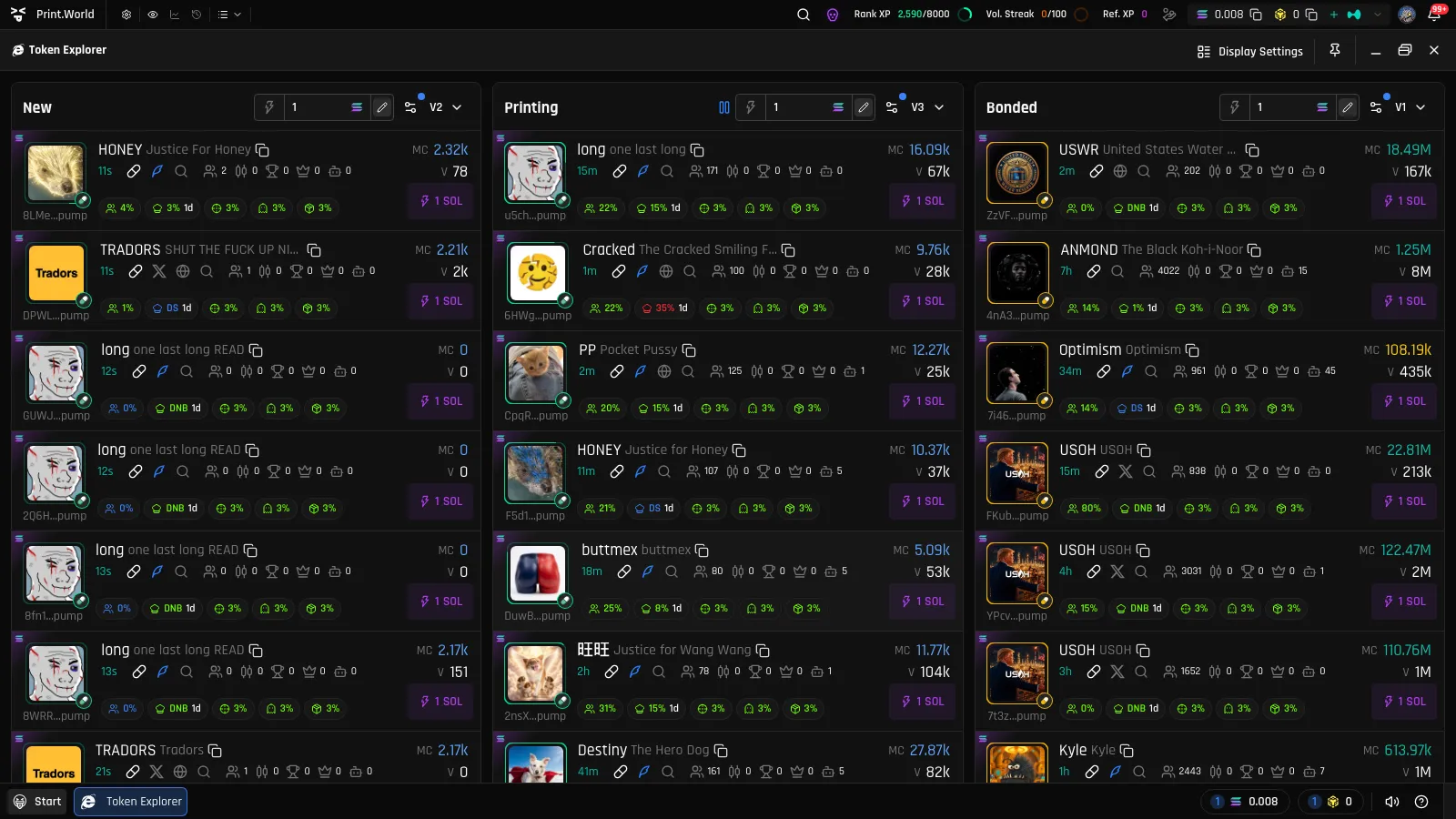
New
The token has just been created. Its curve is nearly empty and the price sits at the starting point set by the virtual reserves.
Printing
The curve is actively filling. Buys move funds in and tokens out, and the token’s curve progress — shown as a percentage — tracks how close it is to completion.
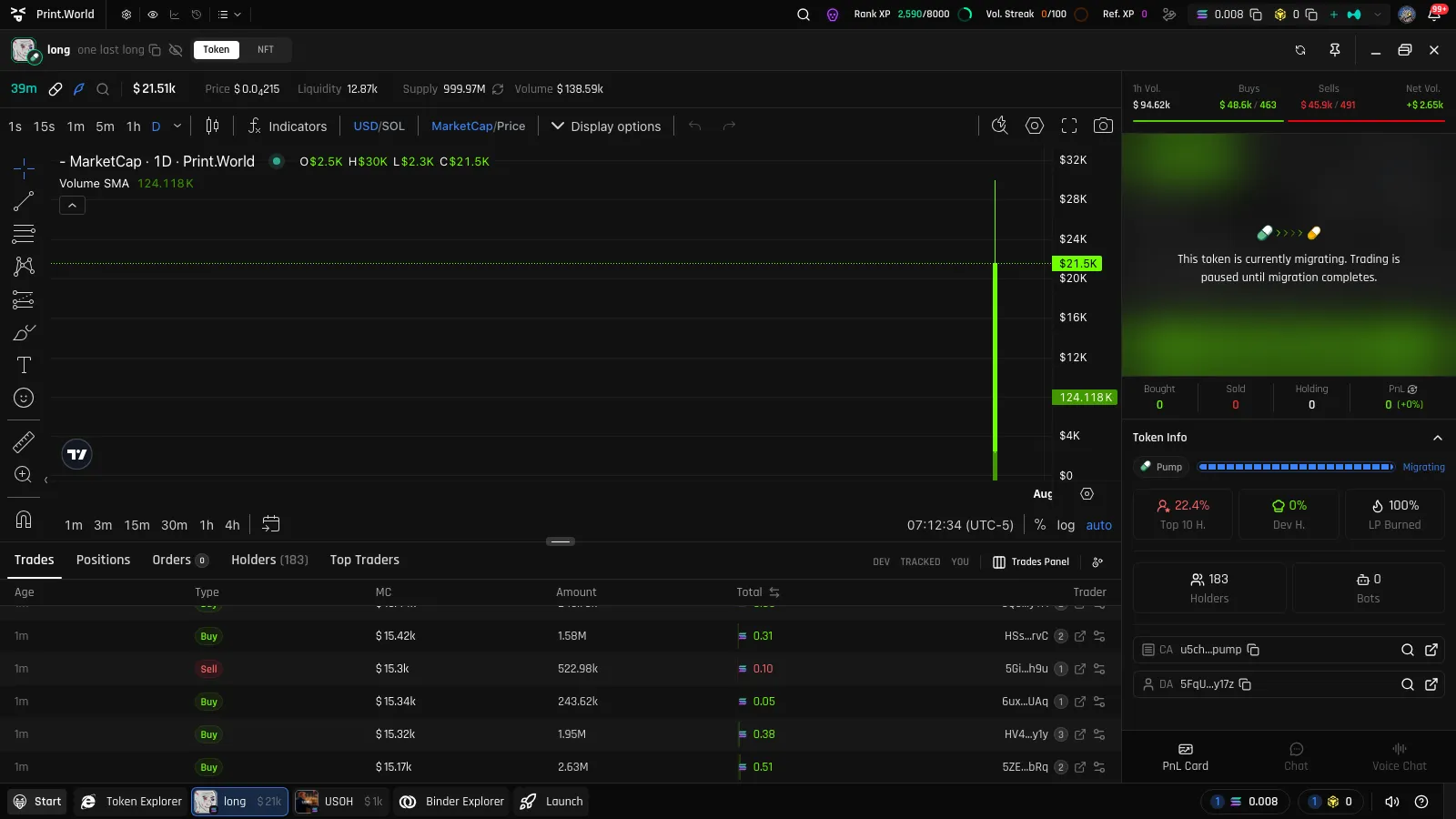
Migrating Trading paused
The curve has hit its completion target and freezes. Liquidity is being moved to a real decentralized exchange. Trading is briefly paused during this step — the app shows a clear “migrating” state so you know why.
Bonded
Migration is complete. The token now trades freely on its destination exchange, and its status is permanent — a Bonded token never returns to the curve.
Token graduation is the moment a bonding curve completes: the curve reaches its target — a fixed amount of SOL or ETH raised, or the curve’s token allocation selling out, depending on the launchpad.
At graduation:
Every trade on a bonding curve includes a small fee, taken from the SOL or ETH side of the trade — never from your tokens.
Fee percentages are intentionally not listed here — they are configurable and can change. The token page always reflects what applies to the token you are trading.
Curve progress is surfaced throughout print.world:
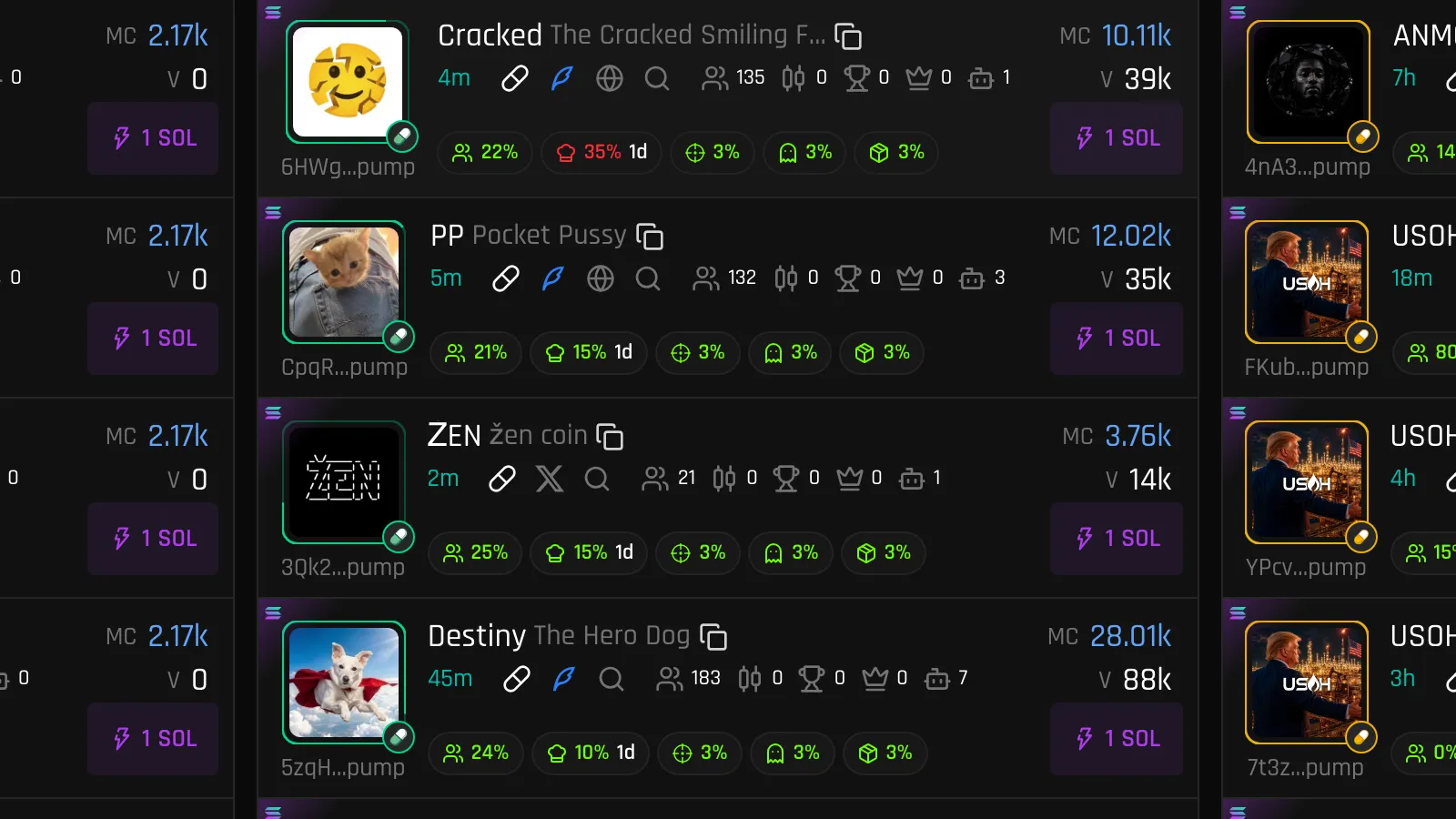
Token cards — in the Token Explorer, each Printing token shows its curve progress as an animated ring around the token image (or a linear bar, switchable in Display Settings).
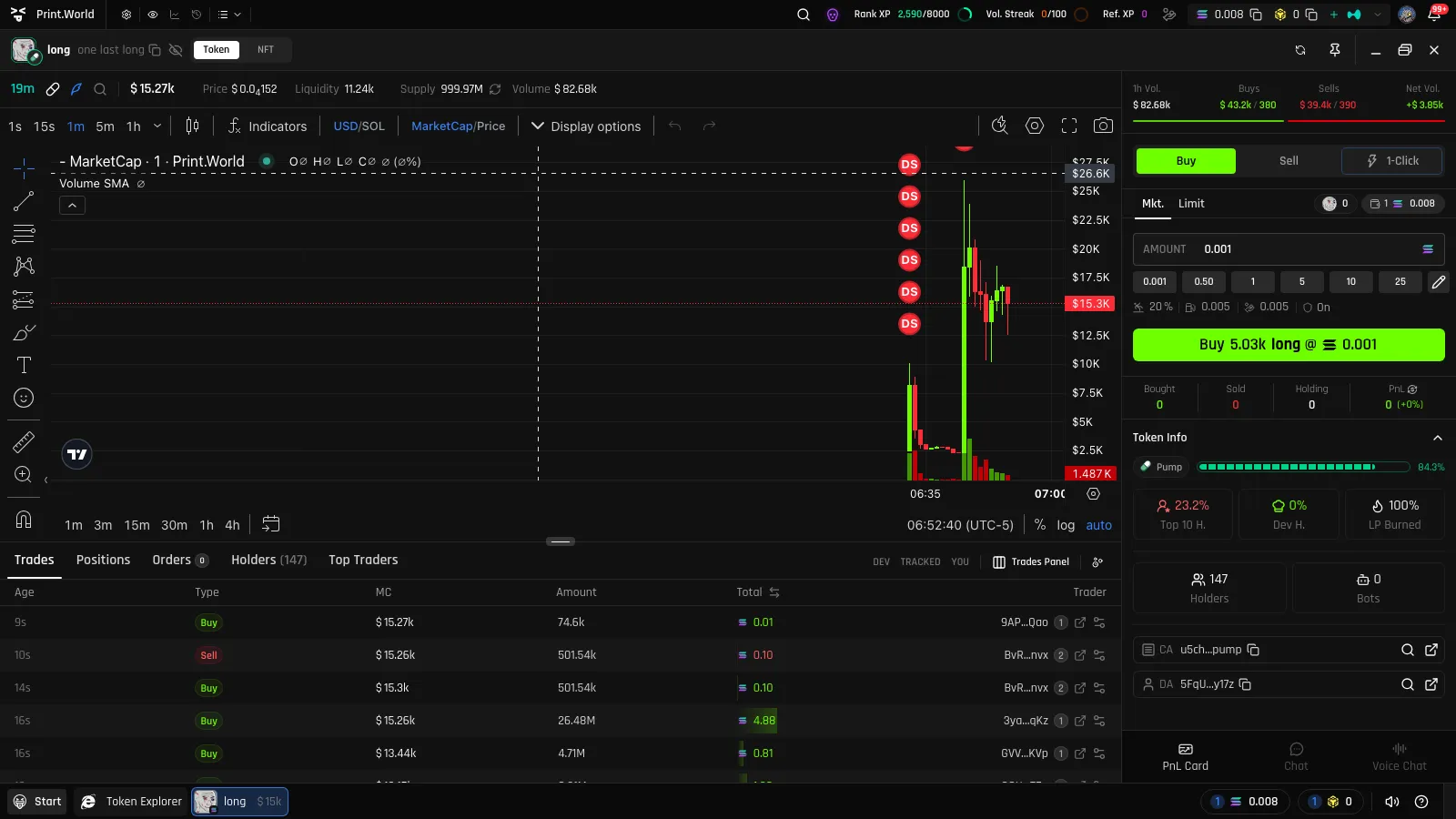
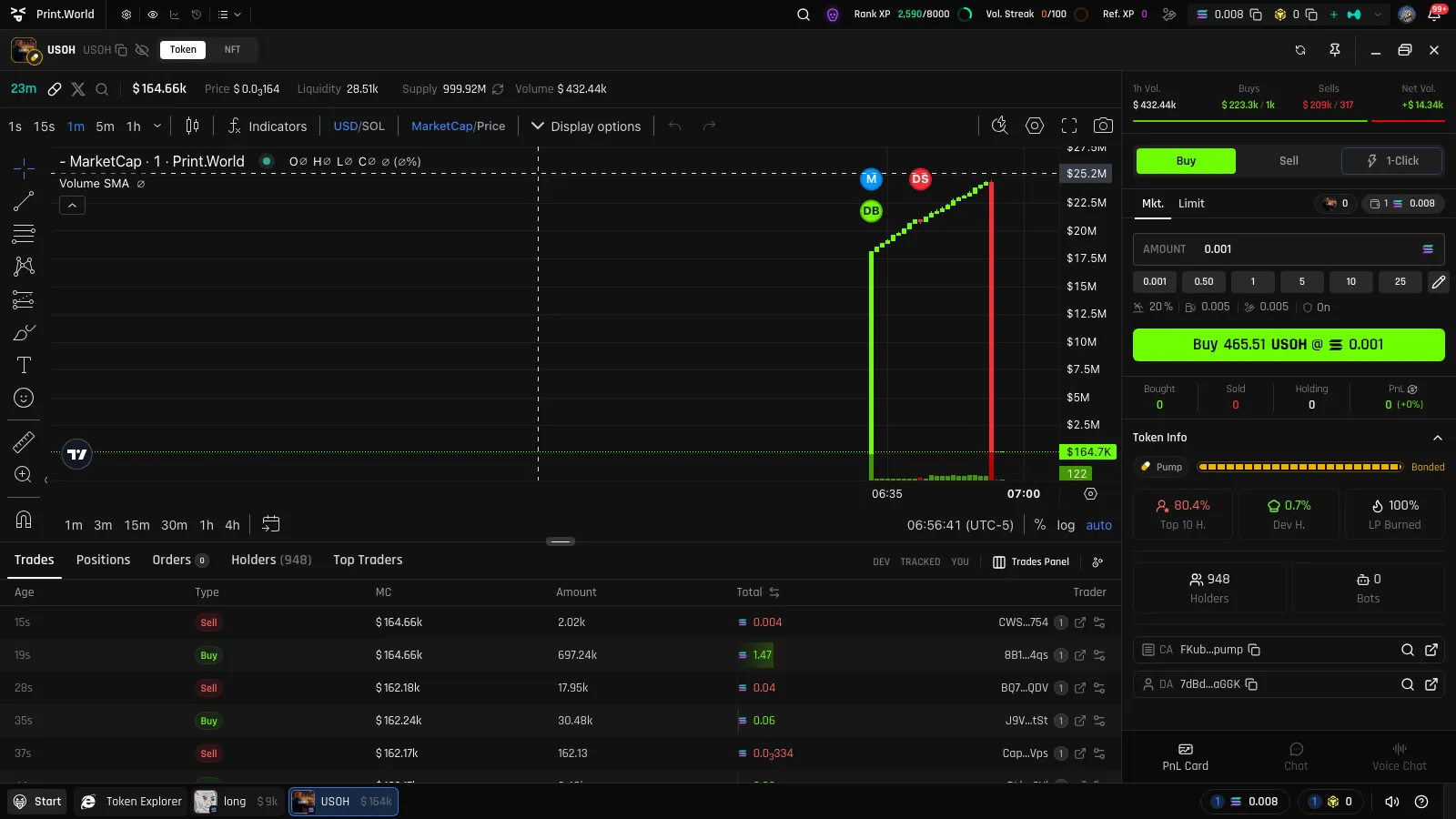
Token page progress bar — every token page shows its launchpad and a progress bar: a live percentage while Printing, a shimmering “Migrating” label during migration, and a “Bonded” label with the destination exchange’s icon once graduated.
Binder Explorer — the Binder Explorer has a dedicated Bonding Curve tab where curve-launched tokens are browsable across New / Binding / Bonded stage columns.

Launchpad filters — the Token Explorer lets you filter by launchpad, so you can watch curves from a single ecosystem or across all of them at once.
print.world does not only track its own curves. Tokens launched on third-party launchpads — Pump.fun and several others — appear in the Token Explorer with the same progress indicators, migration states, and Bonded status. Each launchpad has its own completion target and destination exchange, but the journey you see in the app is the same: Printing, a brief migration, then Bonded.