
Track any wallet
Add any Solana wallet address, label it with a name and emoji icon, and manage your whole list from one place.
The Wallet Tracker is print.world’s Solana wallet tracker: follow any wallet — whales, smart money, friends, your own cold wallets — and see every trade it makes in real time. Add the wallets you care about, give each one a name and an emoji, and every buy and sell streams into a live feed with alerts you control.
Track any wallet
Add any Solana wallet address, label it with a name and emoji icon, and manage your whole list from one place.
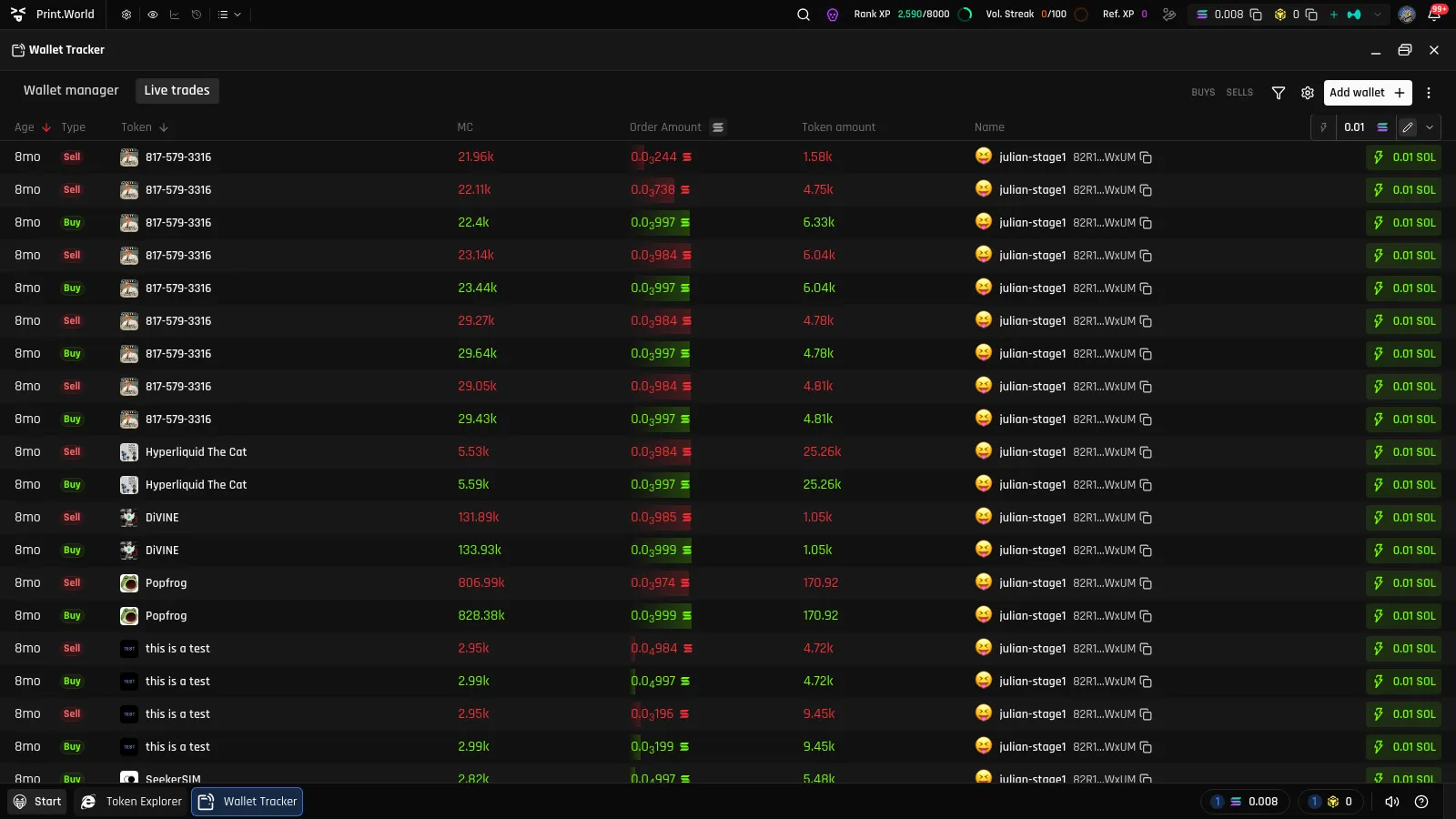
Watch a live feed
Every buy and sell from your tracked wallets appears in a real-time wallet activity feed, with filters for trade side, market cap, and transaction size.
Get alerted
Per-wallet notification sounds, in-app toasts, an Activity Center history, and push notifications on mobile.
Act with Quick Buy
See a trade you like? Buy the same token instantly from the feed with your preset amount — one click, no navigation.
The Wallet Tracker is a desktop-OS app on print.world. Open it from:
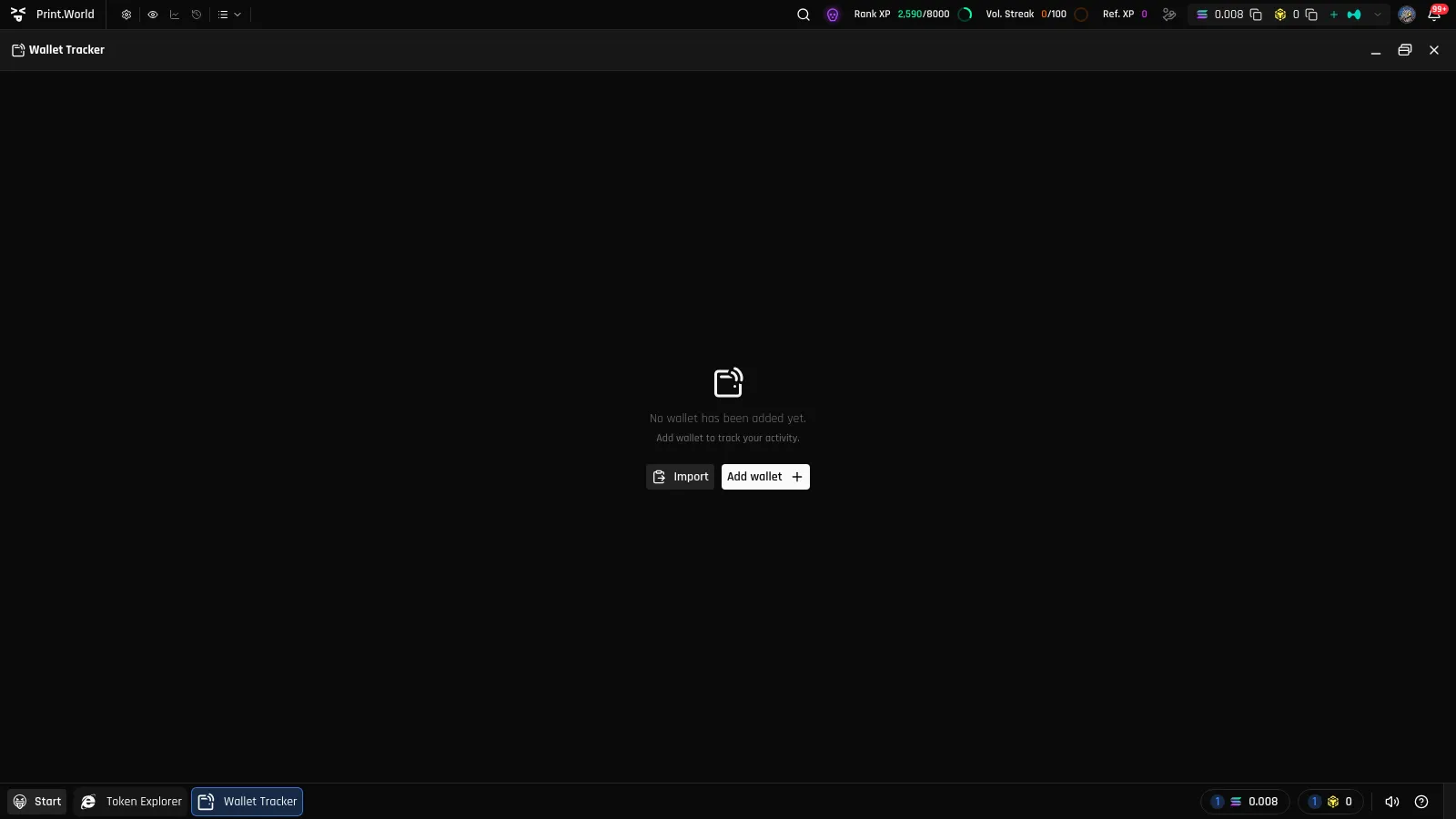
Until you add your first wallet, the app shows an empty state with two options: Add wallet (track a single address) or Import (paste a previously exported wallet list).
Once you have at least one tracked wallet, the app is organized into two tabs:
Tracked wallets are not confined to the tracker. Across print.world, they are highlighted wherever they appear — in token trade tables, holder lists, and even as emoji stickers on the trading chart. See Across the App.