
Account Overview
The Account app is where you manage your print.world account. It brings together your profile, your trading activity, your connected sign-in methods, your referral link, and your platform preferences in a single place.
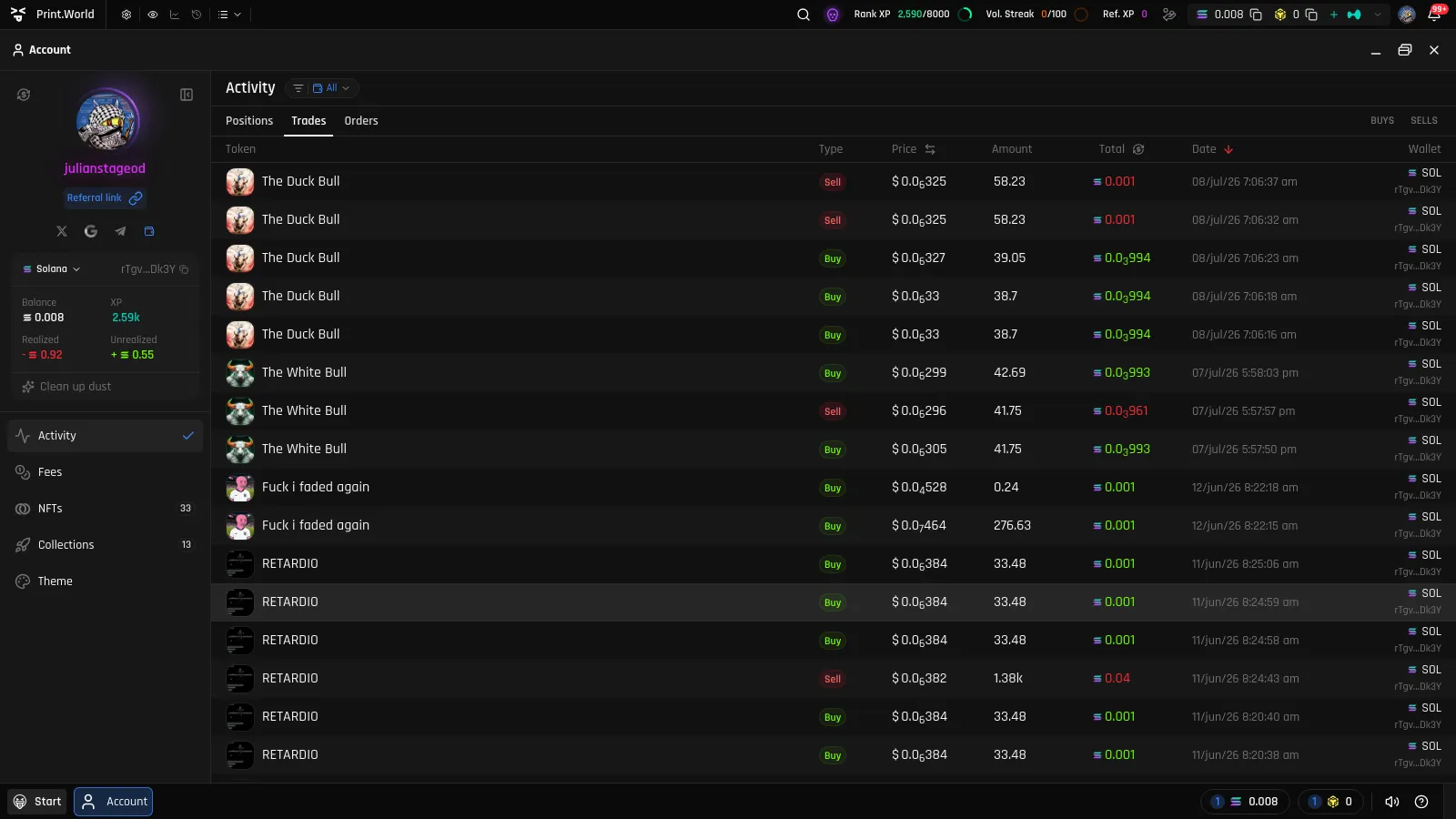
Opening the Account App
Section titled “Opening the Account App”You can open Account from anywhere on the platform:
- Top bar — click your avatar in the top bar.
- Start menu — open the Start menu and select Account.
- Mobile — open the navigation drawer and tap Account.
The app opens maximized on the Activity view by default, and remembers the view you were last on for next time.
The User Panel
Section titled “The User Panel”On desktop, the sidebar on the left shows your user panel:
- Your avatar and username — click the avatar to change your profile picture. See Profile.
- The Referral link button — opens the Share window with your personal invite link. See Referrals.
- Your connected accounts — a row of icons for the sign-in methods linked to your account. See Connections.
- Your primary wallet — your pinned wallet with its balances.
On mobile, the same information lives in the Account header, and the views are arranged as horizontal tabs below it.
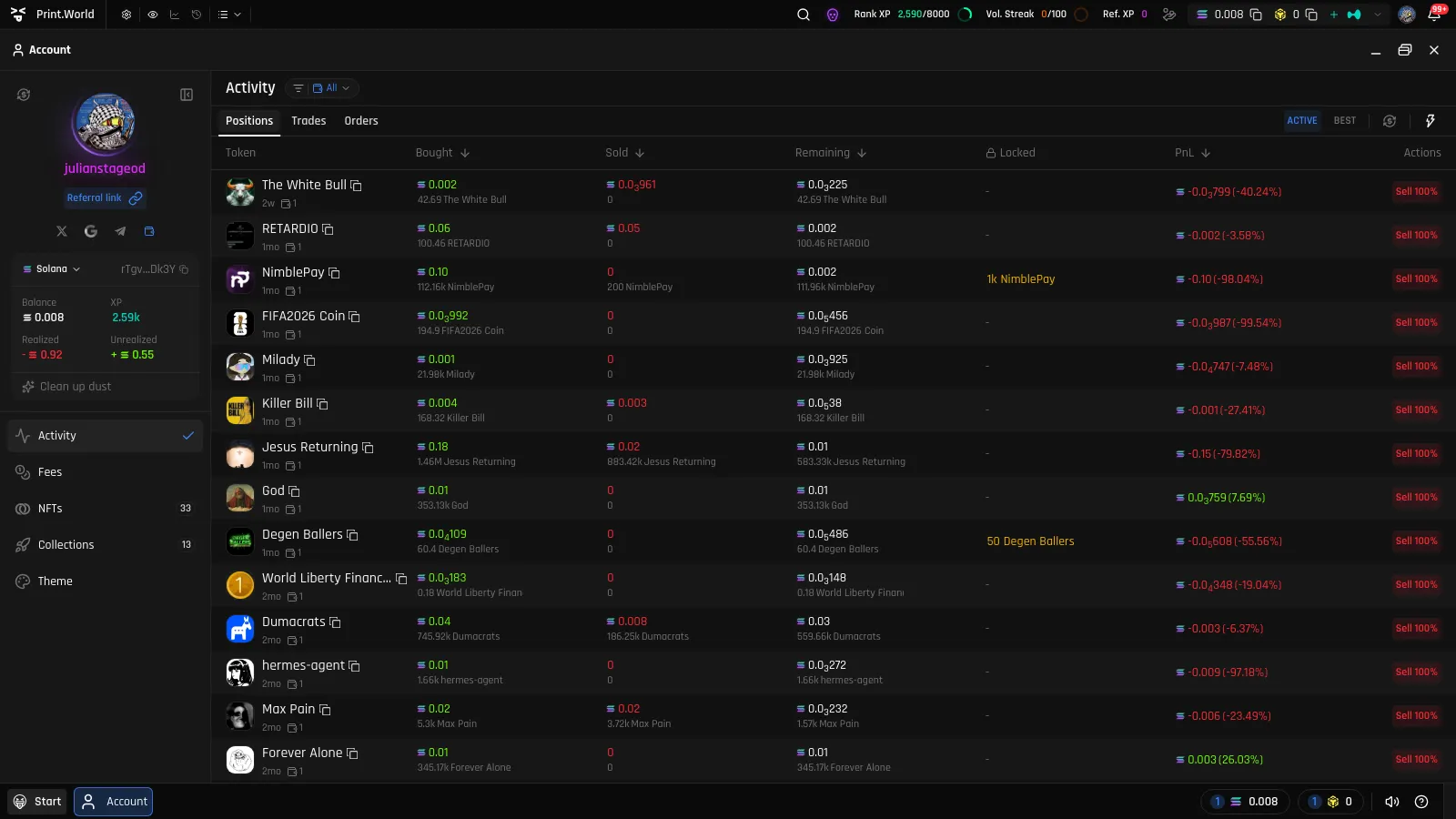
Views at a Glance
Section titled “Views at a Glance”| View | What it covers | Learn more |
|---|---|---|
| Activity | Your open positions, trade history, and limit orders | Settings & Activity |
| NFTs | NFTs you own and passes you hold | Your NFTs |
| Collections | Collections you have launched, with volume and earnings charts | Binder Overview |
| Connect | Sign-in methods linked to your account (shown on mobile) | Connections |
| Theme | Platform appearance and accent color | Settings & Activity |
| Fees | Overview of your fees Soon | — |
Account vs. Wallet
Section titled “Account vs. Wallet”The Account app and the Wallet app cover different things:
- Account → Activity is your trading record: open positions with their PnL, your trade history, and your limit orders.
- Wallet is your funds: token balances, portfolio value, deposits and withdrawals, managing multiple wallets, and wallet security.
If you want to check balances or move funds, go to the Wallet app. If you want to review how your trades are performing, that is Account → Activity.
What’s Next
Section titled “What’s Next”- Profile — Set your username and profile picture
- Connections — Link sign-in methods to your account
- Referrals — Invite friends and earn XP
- Settings & Activity — Activity view, notifications, themes, and resets
- Security & Devices — Step-up checks, device linking, and remote log out