
Connections: Link Your Sign-In Methods
Connections let you link multiple sign-in methods to a single print.world account. Once a method is linked, you can use it to sign in to the same profile, wallets, and XP — no matter which method you originally signed up with.
If you have not created an account yet, start with Connecting Your Wallet.
Available Sign-In Providers
Section titled “Available Sign-In Providers”| Provider | How linking works |
|---|---|
| A Google sign-in popup opens — approve it and the account is linked. | |
| Telegram | Telegram opens with a confirmation from the print.world bot — confirm there and the app detects it automatically. |
| X | You are redirected to X to authorize the connection, then returned to print.world. |
| Wallet | Connect a Solana wallet and sign a verification message. Signing is free — it is not a transaction and moves no funds. |
Where to Manage Connections
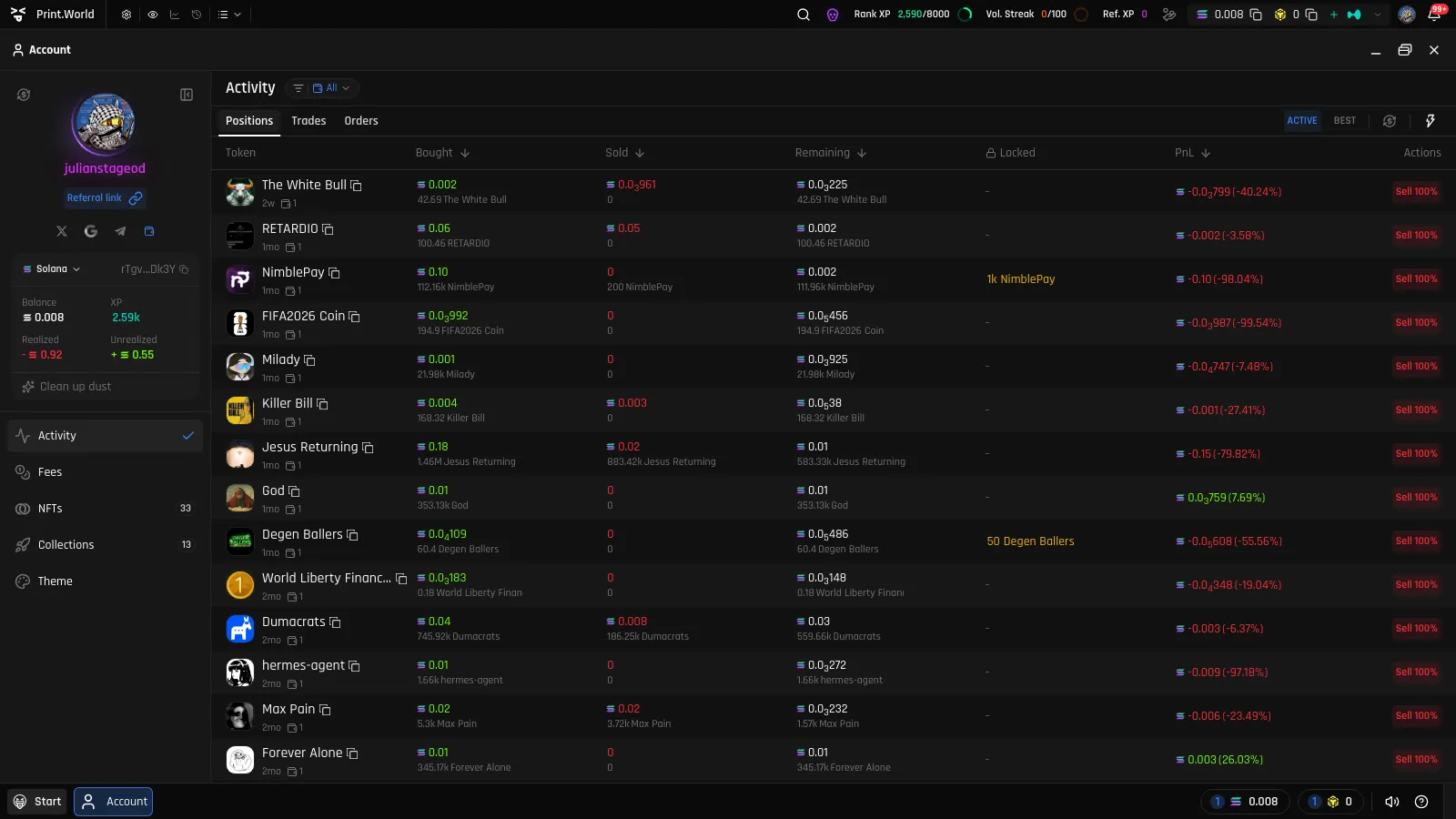
Section titled “Where to Manage Connections”On desktop, your linked methods appear as a row of provider icons in the Account sidebar’s user panel. Click an unlinked provider to start the linking flow, or a linked one to open the disconnect dialog.
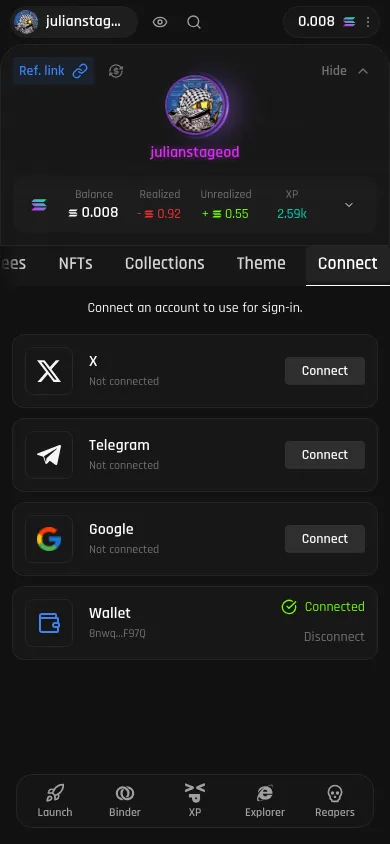
On mobile, open the Account app and switch to the Connect tab. Each provider has its own card with the prompt “Connect an account to use for sign-in.” Tap Connect on a card to link it.
Unlinking a Provider
Section titled “Unlinking a Provider”To unlink a provider, select it (icon on desktop, card on mobile) and confirm in the disconnect dialog.
What’s Next
Section titled “What’s Next”- Security & Devices — Your connected methods are also used for step-up security checks
- Connecting Your Wallet — All sign-in methods, explained from the start