
Profile: Username & Profile Picture
Your profile is how other users recognize you across print.world. Profile customization comes down to two parts: your username and your profile picture.
Setting Your Username
Section titled “Setting Your Username”You are asked to pick a username when you first sign up. You can skip that step and set one later.
Username rules:
- Up to 13 characters
- Letters, numbers, and underscores
To set or change your username after sign-up:
- Open the Start menu and select Set Username.
- The Change Username window opens.
- Type your new username and save.
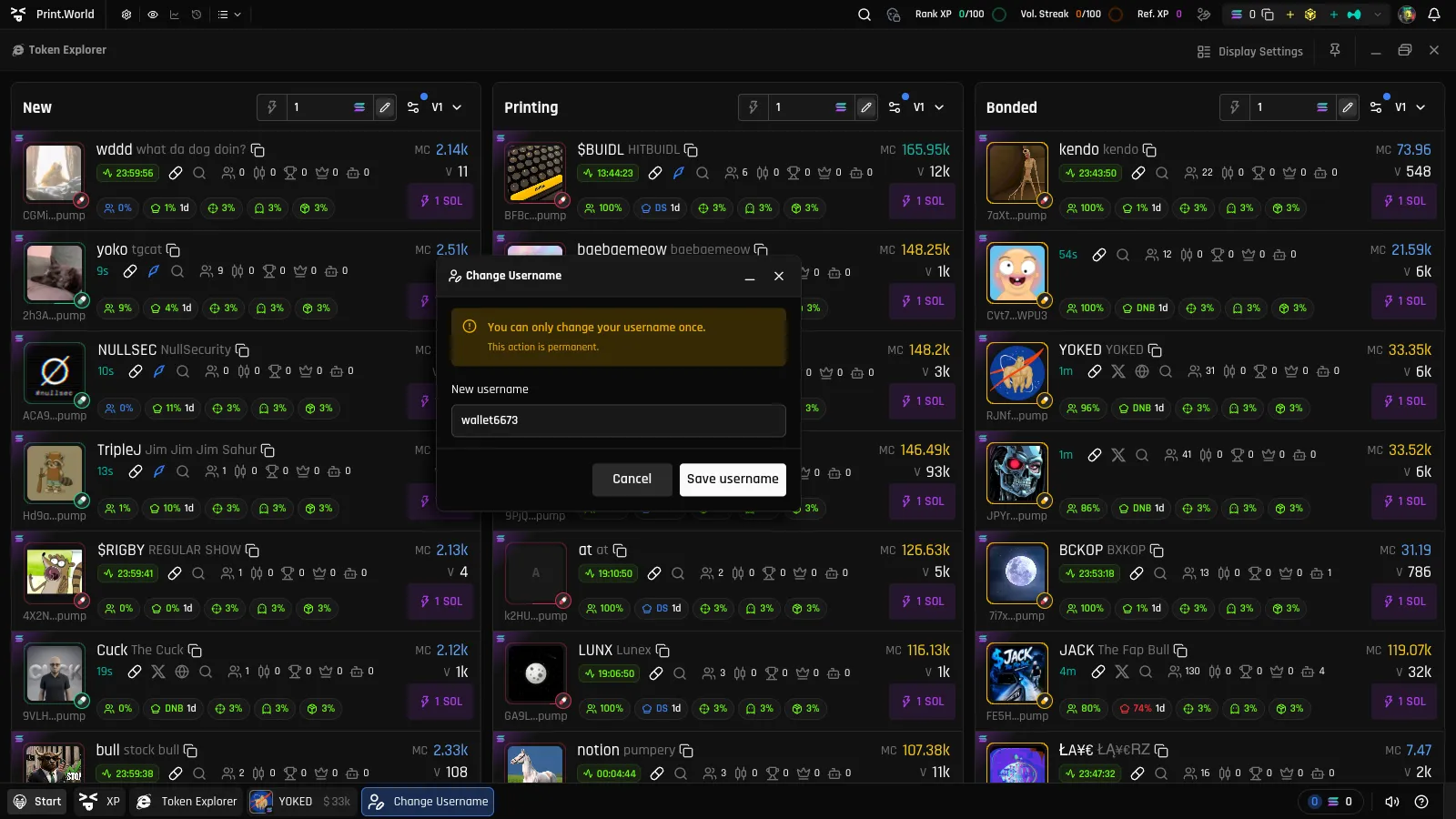
Your username appears in your Account user panel, in tooltips on your avatar, and in your referral link.
Changing Your Profile Picture
Section titled “Changing Your Profile Picture”To change your profile picture:
- Open the Account app.
- Click your avatar — in the sidebar on desktop, or in the Account header on mobile.
- The Profile Picture modal opens.
- Pick an image and confirm.
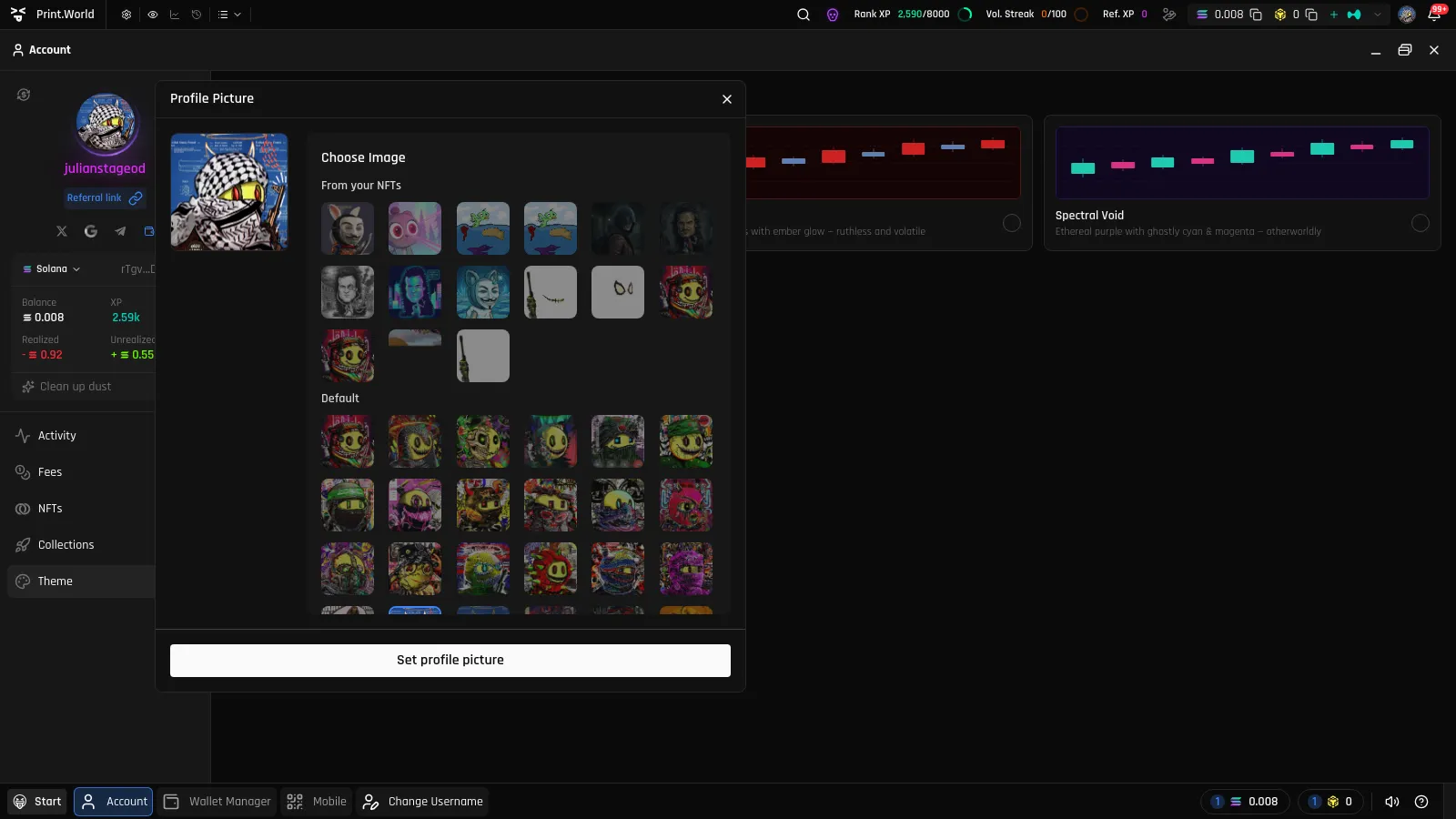
You can choose from:
- The default gallery — a large set of built-in avatars.
- Your NFTs — use the artwork of an NFT you own on print.world as your profile picture.
You can also set an NFT as your profile picture directly from its card in the NFTs view — see Set as Profile Picture.
What’s Next
Section titled “What’s Next”- Referrals — Your username powers your personal invite link
- Connections — Link more ways to sign in to this profile