
Security & Devices
This page covers print.world account security: step-up verification for sensitive actions, device linking for your phone, and ending sessions — locally or everywhere.
Step-Up Security Checks
Section titled “Step-Up Security Checks”Sensitive actions — such as revealing or exporting a wallet’s private key — require a step-up security check: you re-verify with one of the sign-in methods linked to your account (Google, Telegram, X, or a wallet signature) before the action completes.
This protects you even if your session is left open on a shared machine: seeing the page is not enough, the person acting must also prove they control one of your sign-in methods.
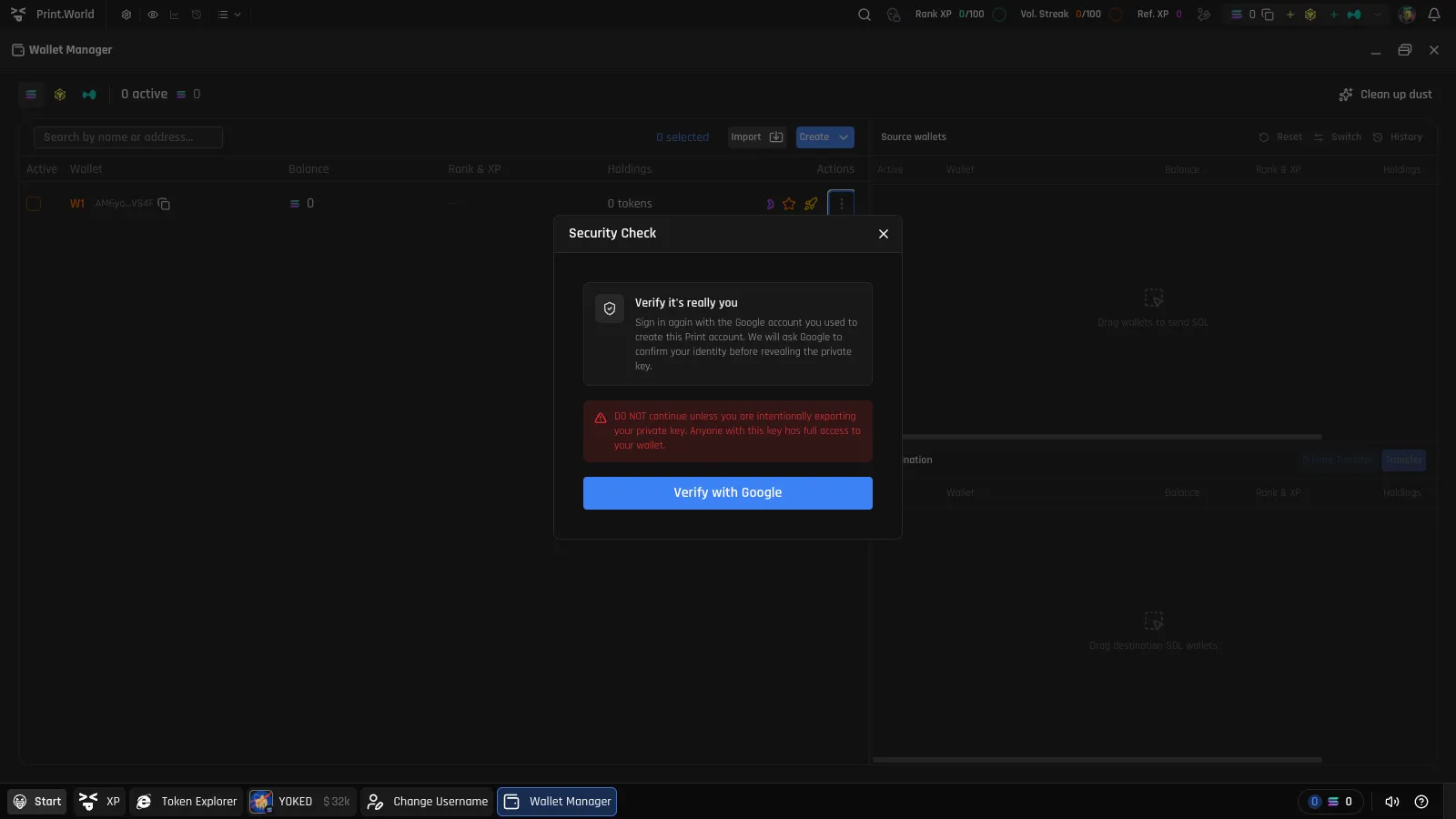
- Manage the methods available for step-up checks in Connections.
- For what to expect when exporting a private key, see Wallet Security.
Linking a Mobile Device
Section titled “Linking a Mobile Device”You can sign your phone into your existing account by scanning a QR code from your desktop session — no need to repeat the full sign-in flow on mobile.
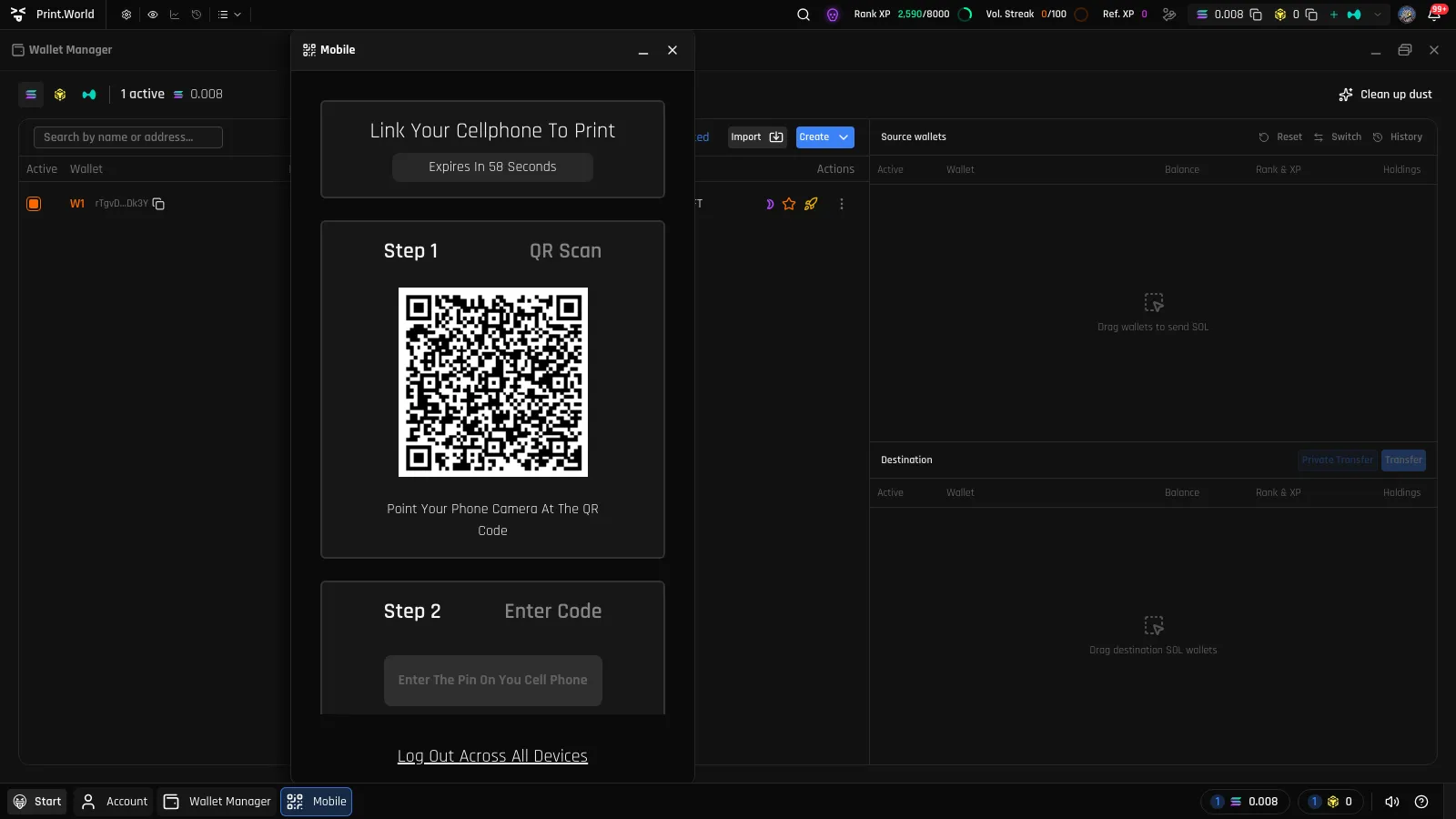
- On desktop, open the Start menu and select Connect mobile device. The Mobile window opens with a QR code.
- On your phone, open print.world and choose Sign in with QR code from the sign-in options.
- Scan the QR code with your phone’s camera.
- Confirm the one-time code shown during the handshake.
Your phone is now signed in to the same account.
Logging Out Across All Devices
Section titled “Logging Out Across All Devices”The same Mobile window includes a log out across all devices action. It ends your session on every device where you are signed in — desktop, phone, everywhere.
Use it if you lose a device, signed in on a machine you no longer control, or suspect someone else has access to your account. Afterwards, sign back in with any of your connected methods.
Signing Out
Section titled “Signing Out”To end just your current session:
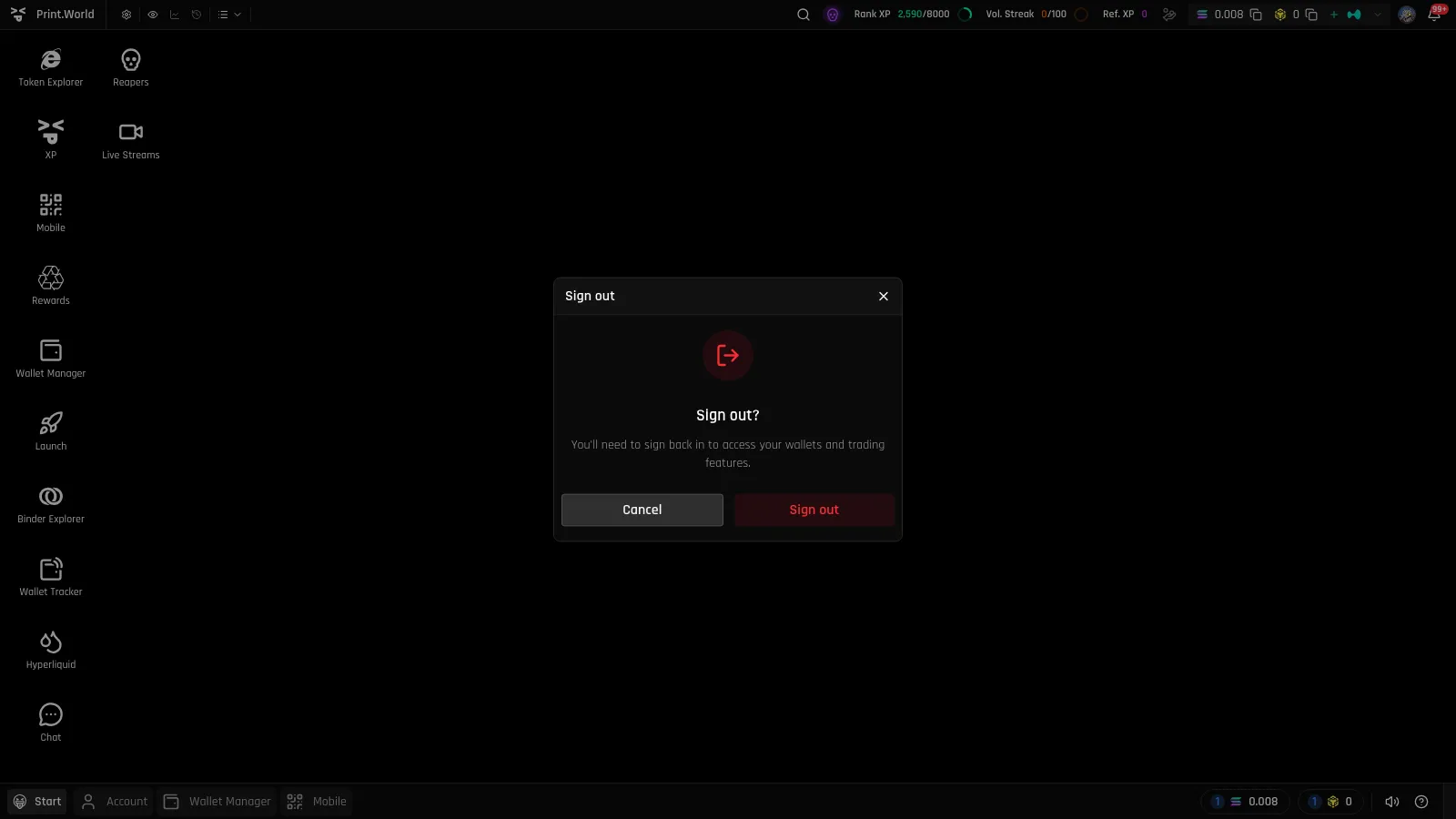
- Open the Start menu and select Log out (on mobile: Log out in the navigation drawer).
- Confirm in the “Sign out?” dialog.
Signing out does not affect your funds or wallets — everything is exactly where you left it when you sign back in.
What’s Next
Section titled “What’s Next”- Wallet Security — Private keys, exports, and wallet-level protections
- Connections — The sign-in methods behind your step-up checks