
Referrals: Invite Friends & Earn XP
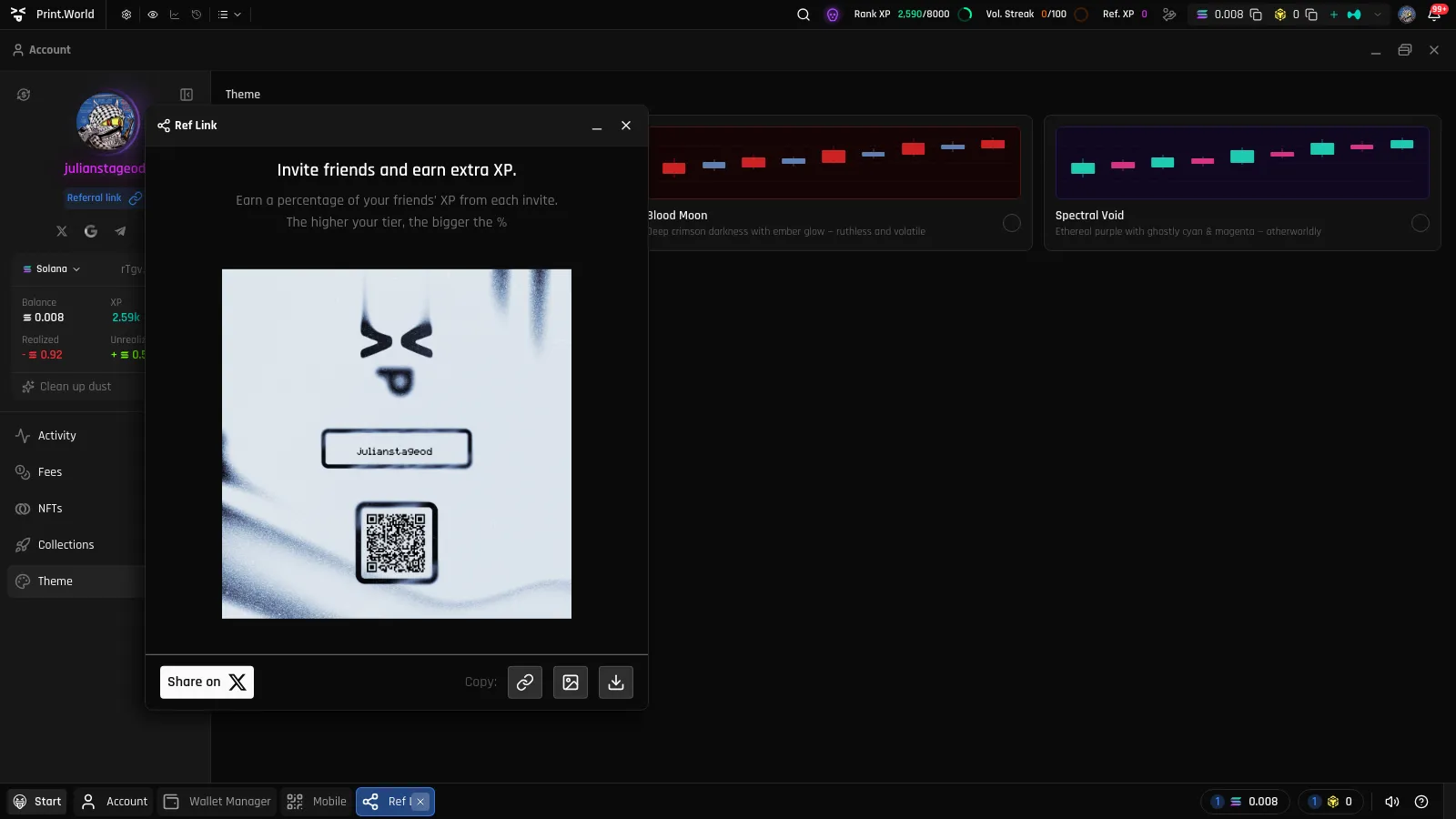
Every print.world account has a personal referral link — your way into the referral program. Share it, and when friends sign up through it you earn a share of the XP they generate — “Invite friends and earn extra XP.”
Your Referral Link
Section titled “Your Referral Link”To get your link:
- Open the Account app.
- Click the Referral link button in the user panel (on mobile, the Ref. link chip in the Account header).
- The Share window opens (titled Ref Link) with a personalized share image and your link.
From the Share window you can copy the link, share it directly through the share buttons, or download the image to post anywhere.
How the Referral Program Works
Section titled “How the Referral Program Works”- Share your link. Send it to a friend or post it publicly.
- Your friend opens it. They land on print.world with your referral attached.
- They sign up. When they create their account, they are counted as your referral.
- You earn Referral XP. You receive a percentage of the XP your invitees generate — “The higher your tier, the bigger the %”.
Tracking Your Referral XP
Section titled “Tracking Your Referral XP”You can see the XP earned from referrals in two places:
- The XP summary in the top bar, under Referral XP.
- The XP app, which lists your Referral XP alongside your other XP sources.
For how Referral XP is calculated and how it interacts with missions, see Referral XP.
What’s Next
Section titled “What’s Next”- Referral XP — How referral earnings are calculated
- XP & Missions — The full XP system