
XP & Missions
XP (experience points) is print.world’s trading rewards and progression system — a crypto XP system built around what you already do on the platform. As you trade, deposit, stake, deploy tokens, and invite friends, you earn XP that moves you up the platform’s rank ladder — with celebrations, notifications, and a growing profile to show for it.
Everything XP-related lives in the XP app, a panel you can open from anywhere on the platform.
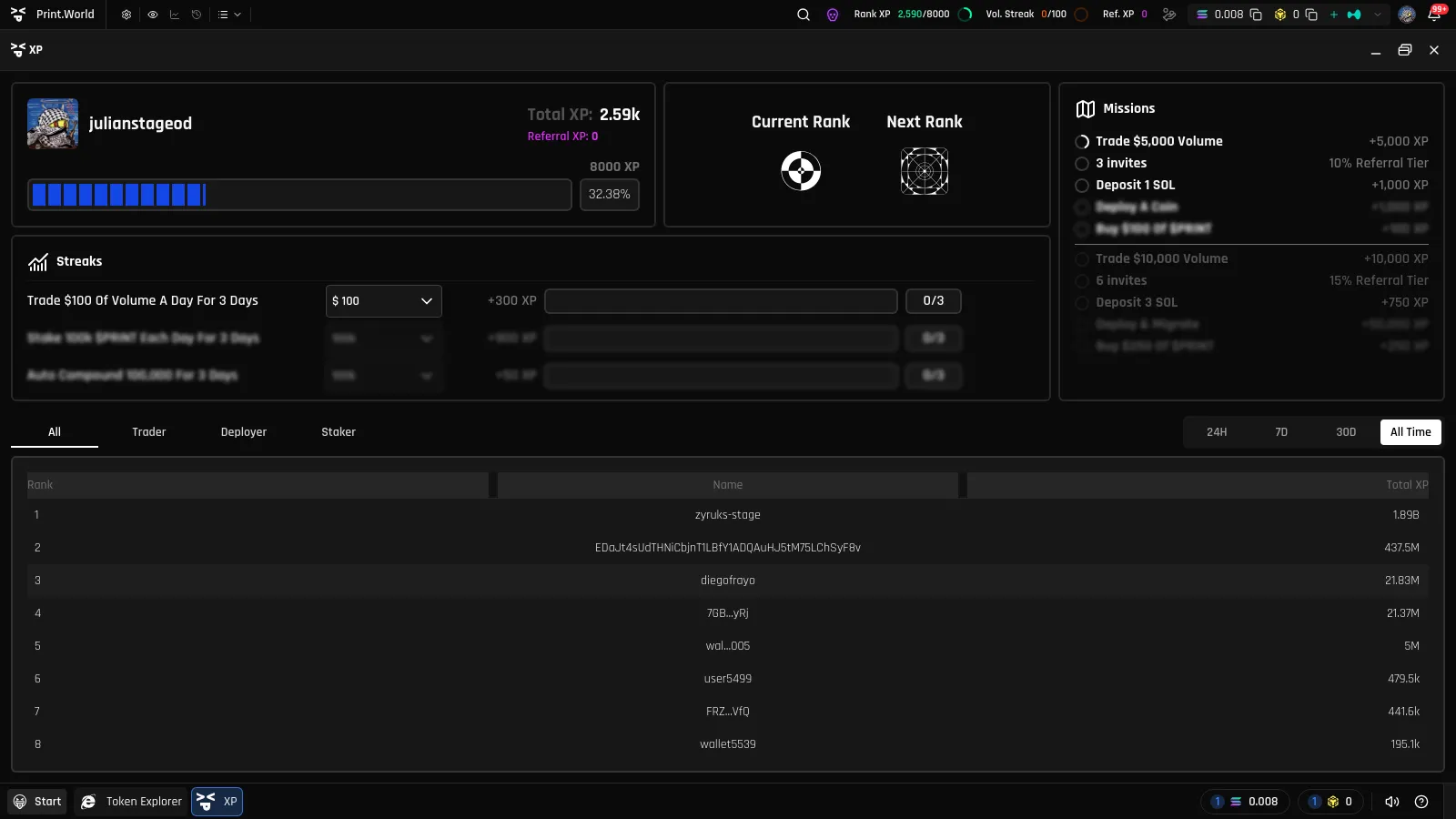
Opening the XP Panel
Section titled “Opening the XP Panel”You can reach the XP panel in several ways:
- Start menu — open the start menu and select XP
- Top bar — click any of the XP pills in the top toolbar (see below)
- Mobile — tap XP in the bottom bar or the main menu
- Direct link — navigate to
/app/xp-panel
What’s in the Panel
Section titled “What’s in the Panel”The XP panel is organized into four widgets plus a leaderboard table:
- User Summary — your profile, Total XP, Referral XP, and a progress bar showing how close you are to the next rank
- Rank — your Current Rank and Next Rank, each with its own tier artwork
- Missions — your active missions with live progress rings and the XP each one awards
- Streaks — your daily streaks with day counters and countdown timers
- Leaderboard — the XP leaderboard table at the bottom of the panel
Total XP vs. Referral XP
Section titled “Total XP vs. Referral XP”Your User Summary shows two numbers:
- Total XP — everything you have earned across missions, streaks, and referrals. This is the number that determines your rank.
- Referral XP — the portion of your XP earned from friends you invited. It is displayed separately so you can see how much your network contributes. See Referral XP for details.
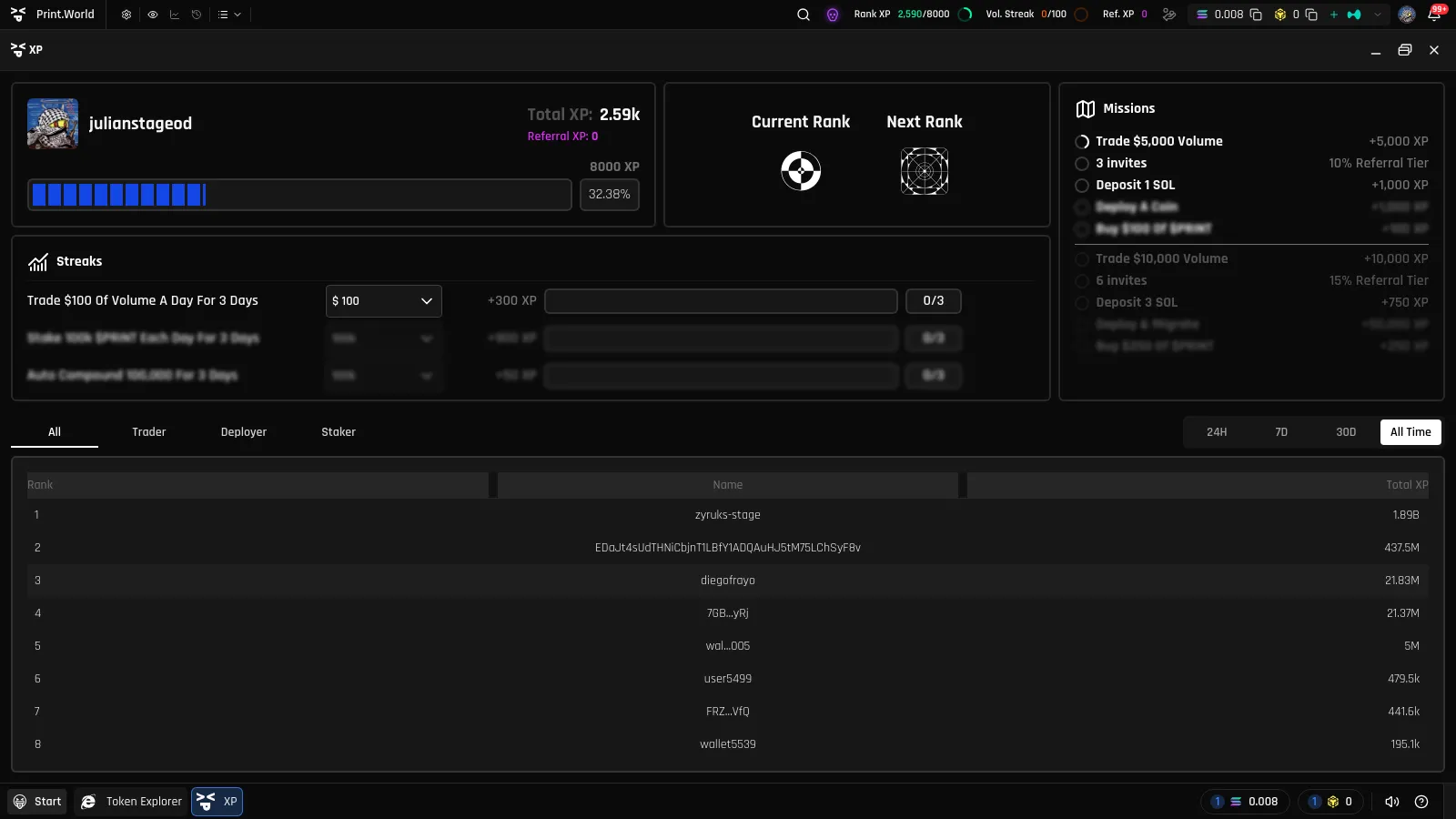
How to Earn XP
Section titled “How to Earn XP”XP is credited to your account automatically — there is nothing to claim manually. You earn it by:
- Completing missions — one-time and recurring objectives across trading, deposits, referrals, staking, and token deployment. See Missions.
- Keeping daily streaks — hit a daily target (like a trading volume goal) every day without breaking the chain. See Streaks.
- Referring friends — earn a percentage of the XP generated by people who join through your invite link. See Referral XP.
Trading volume is the engine behind much of this — it unlocks missions, drives trade-mission progress, and fuels the volume streak. If you’re new to trading on print.world, start with the Trading app.
XP Around the Platform
Section titled “XP Around the Platform”You don’t need the panel open to keep an eye on your progress.
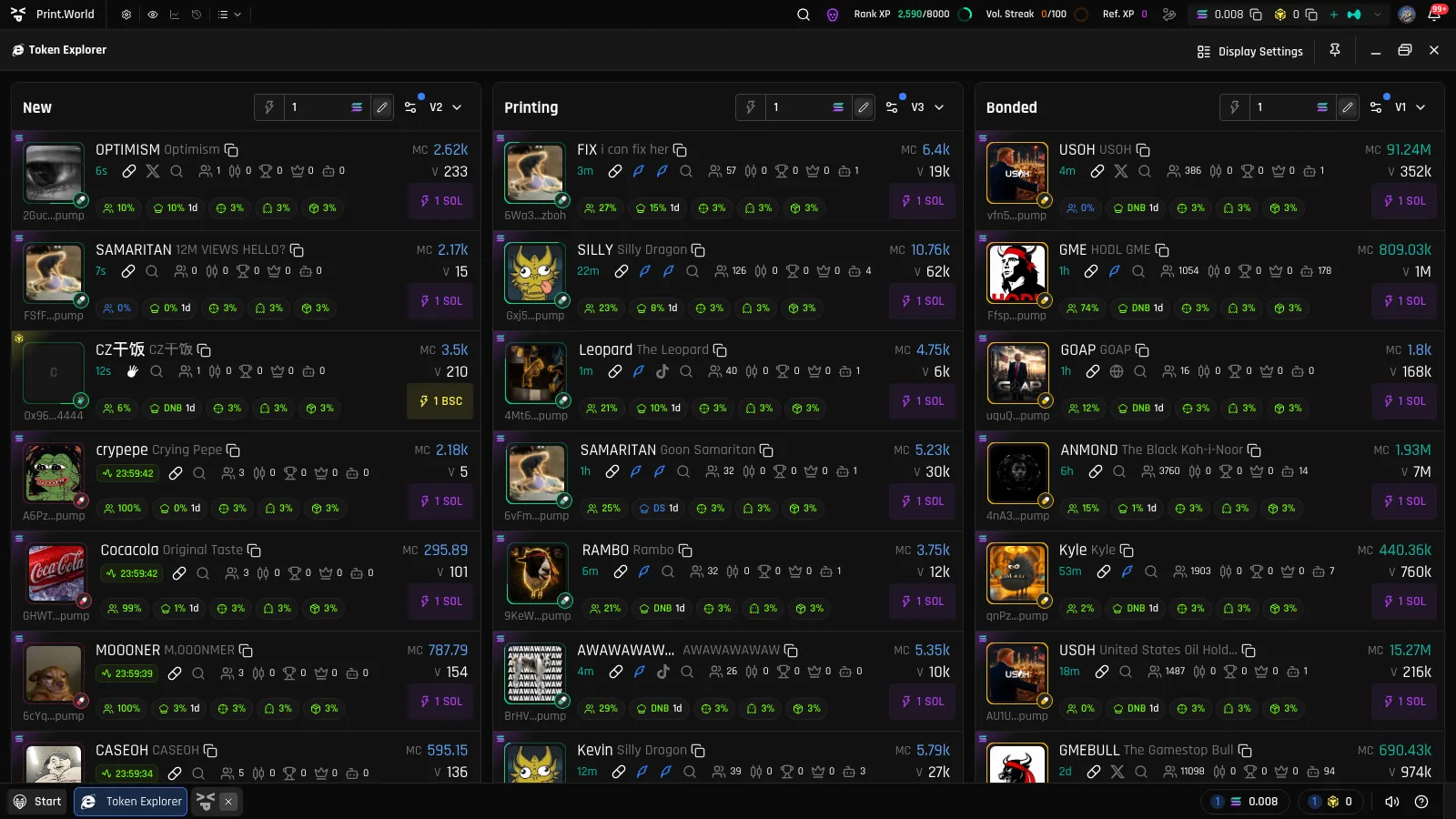
Top Bar Pills
Section titled “Top Bar Pills”The top toolbar shows three compact XP widgets — click any of them to open the full panel:
- Rank XP — your XP progress toward the next rank, with an animated progress ring. When you rank up, it fires a celebration burst.
- Vol. Streak — today’s trading volume against your streak target. When you complete the day, it switches to a flame icon with a “Streak Complete” celebration.
- Ref. XP — your running Referral XP total.
Each pill can be hidden or switched between icon, label, and value display modes from the top bar’s context menu.
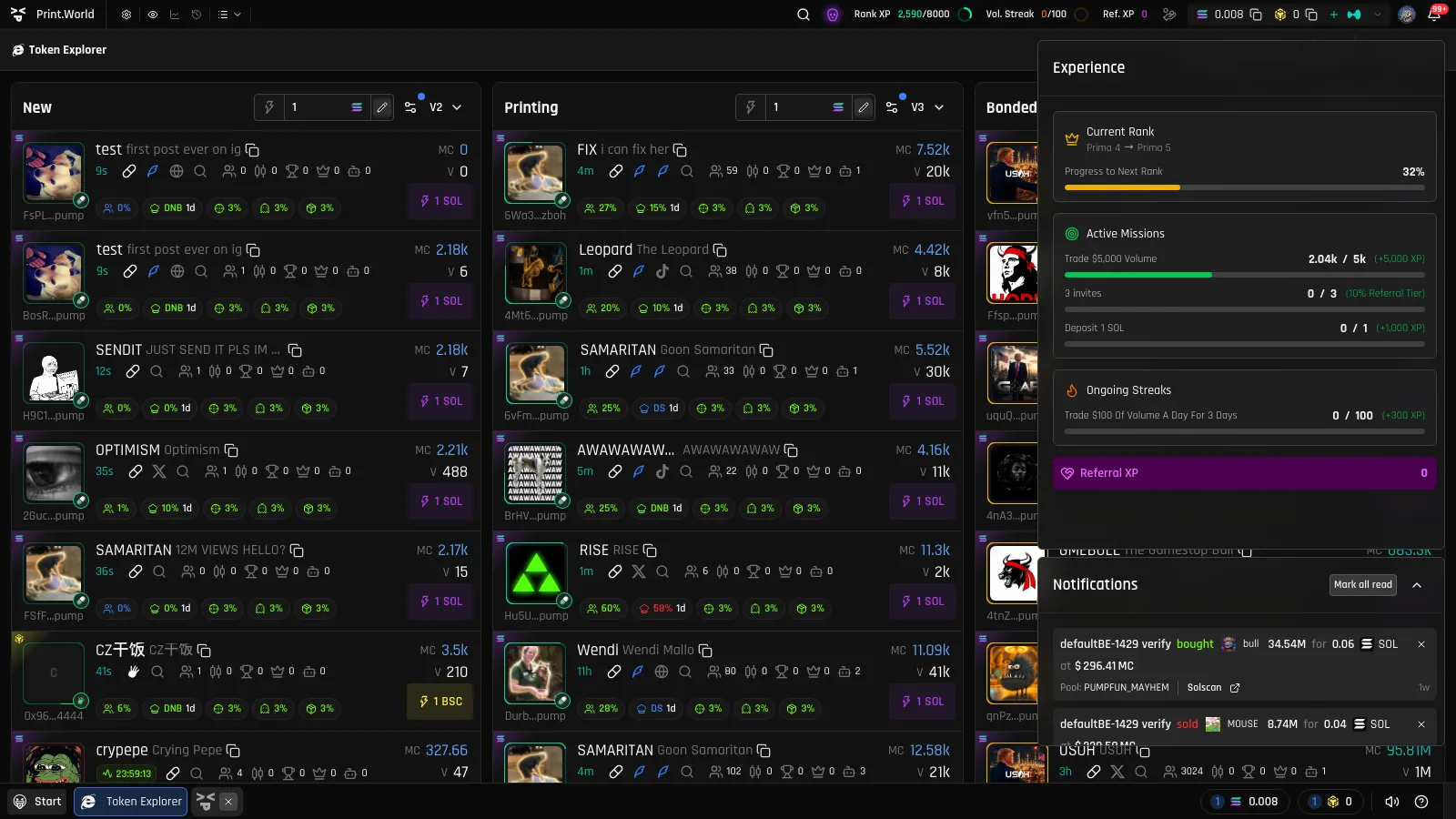
Activity Center
Section titled “Activity Center”The Activity Center (bell icon in the taskbar) has a dedicated Experience section summarizing your current rank progress, active missions, ongoing streaks, and Referral XP — plus a notifications feed where mission completions, streak milestones, rank-ups, and referral bonuses appear as they happen.
What’s Next
Section titled “What’s Next”- Missions — the five mission types and how to unlock them
- Streaks — daily targets, countdowns, and keeping the chain alive
- Ranks — the full tier ladder from Prima to Cosmic Elementalist
- Leaderboard — compare your XP with other traders
- Referral XP — earn from the friends you bring in