
Referral XP
Referral XP is print.world’s referral rewards system: XP you earn from the activity of people you invite. When your friends trade, a percentage of the XP their volume generates is credited to you — automatically, for as long as they stay active.
How Referral XP Works
Section titled “How Referral XP Works”-
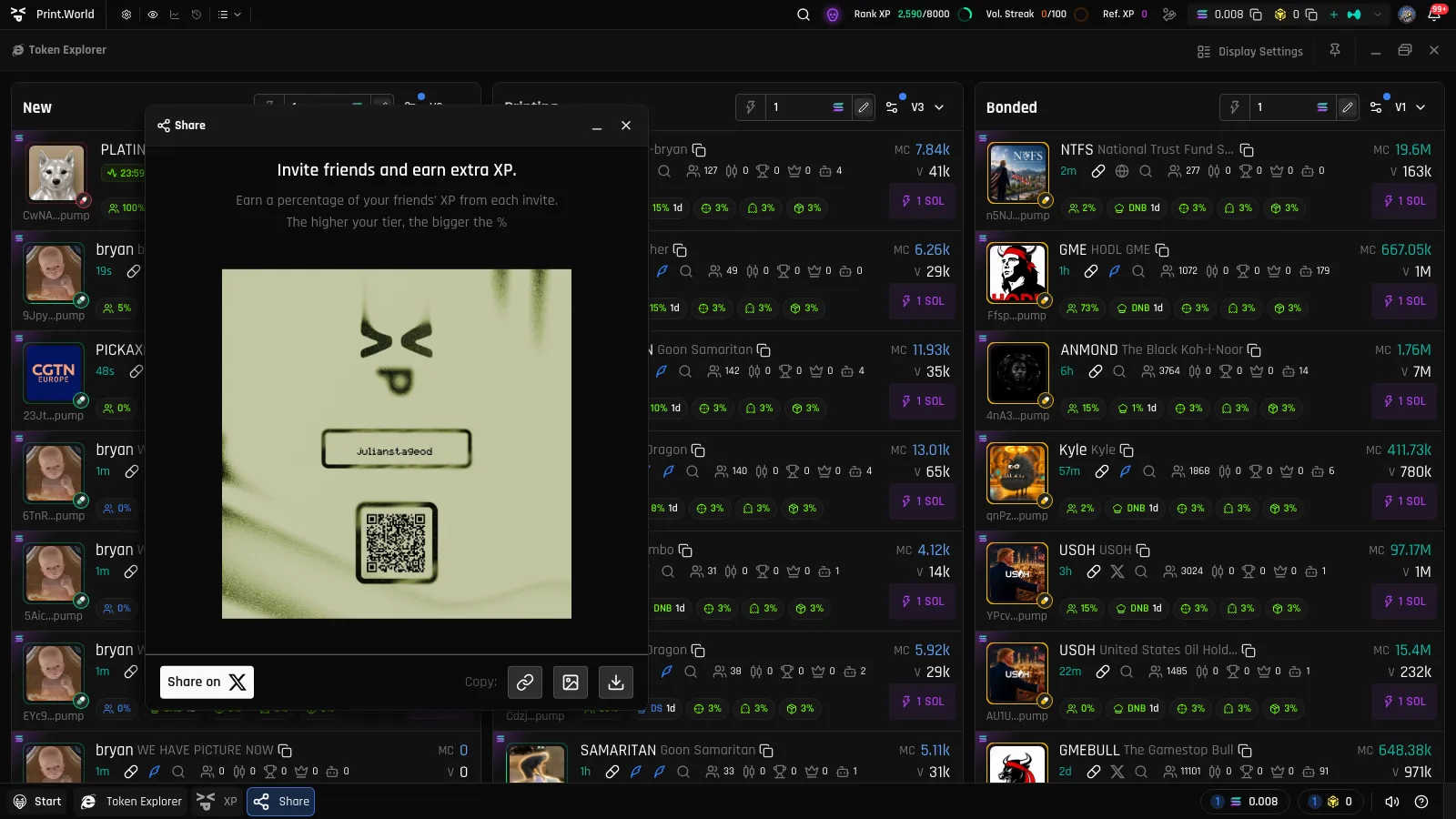
Get your invite link. Open the Share app and copy your personal referral URL — it’s built from your username. For setting up your username and managing referrals, see Referrals in Account settings.
-
Share it. Anyone who joins print.world through your link becomes your referral.
-
Earn automatically. As your referrals trade, a percentage of their trade-volume XP is added to your account as Referral XP. Each credit fires a referral bonus notification.
Referral Tiers
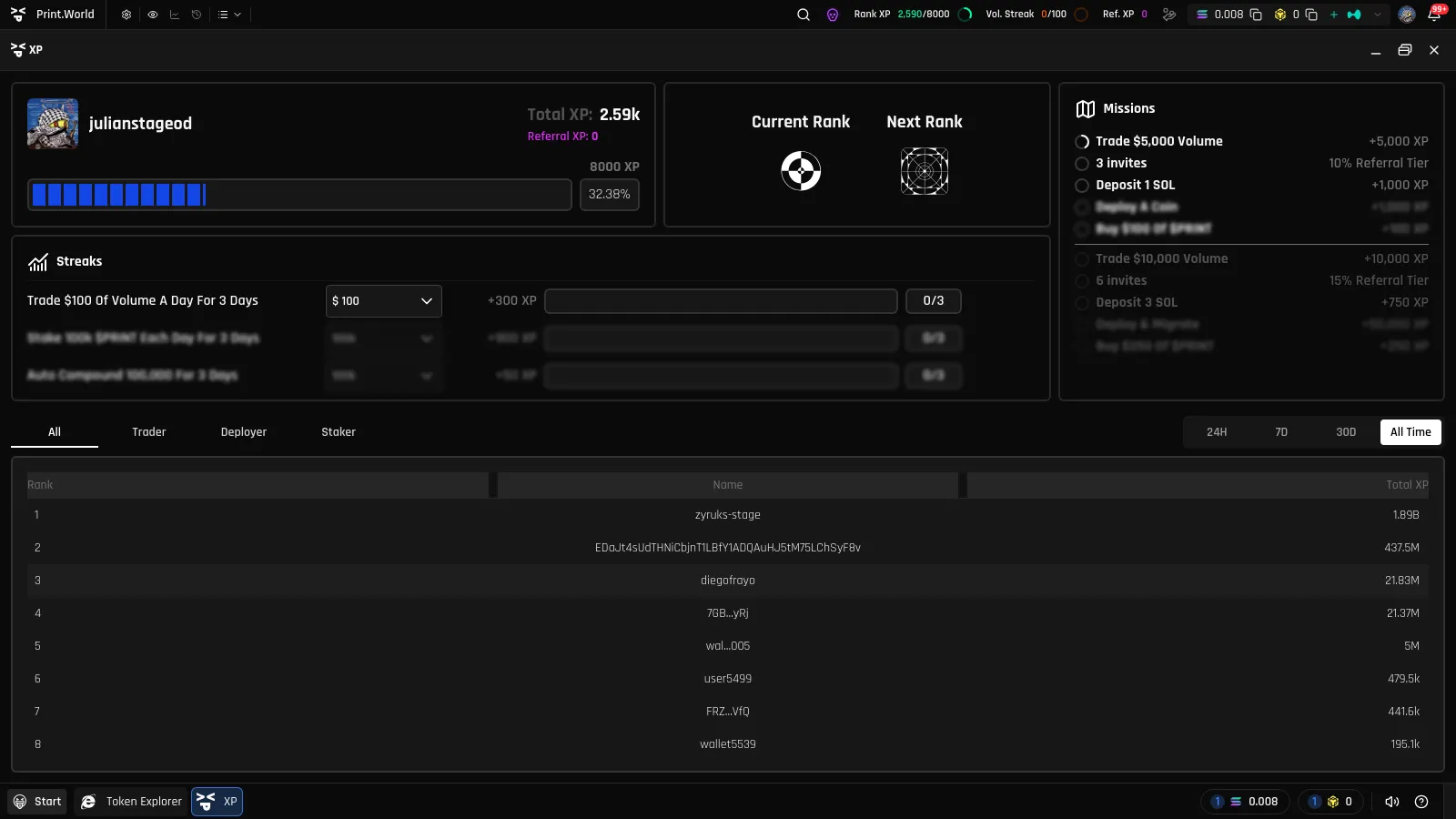
Section titled “Referral Tiers”Referrals are also a mission type: completing referral missions advances you through referral tiers, and the higher your tier, the bigger the percentage of your friends’ XP you earn.
Where Referral XP Shows Up
Section titled “Where Referral XP Shows Up”- XP panel — User Summary: a dedicated Referral XP line alongside your Total XP
- Top bar — Ref. XP pill: your running Referral XP total, always visible
- Activity Center — Experience section: a Referral XP row, plus referral bonus notifications in the feed
Referral XP counts toward your Total XP — so a strong network pushes your rank up just like your own trading does.
What’s Next
Section titled “What’s Next”- Referrals in Account settings — manage your username and invite link
- Missions — the referral mission chain
- XP & Missions Overview — the full XP system